

Table of Contents
What is xTool?
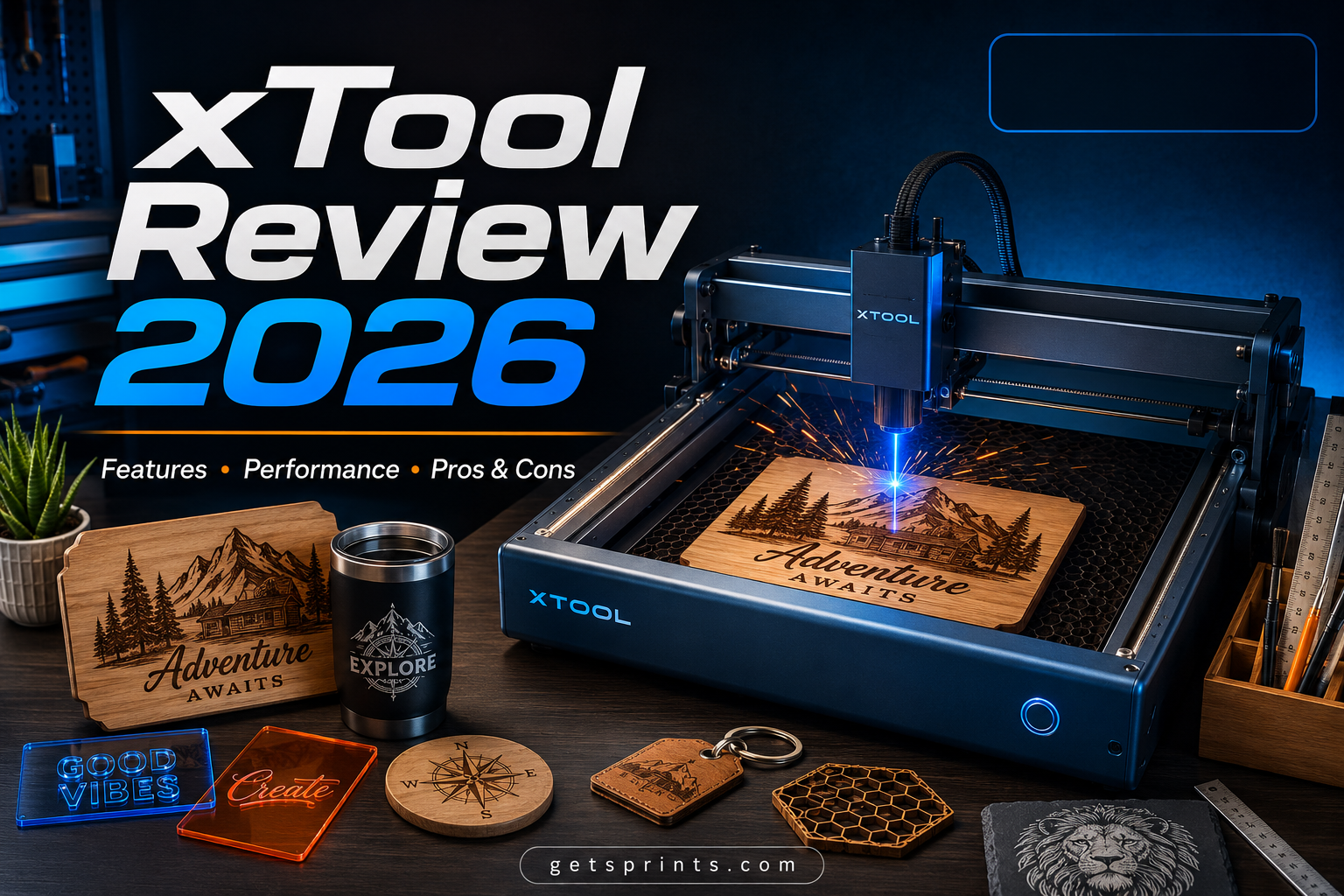
xTool is a digital fabrication brand that designs desktop laser cutters, laser engravers, laser welders, and DTF (apparel) printers for hobbyists, small business owners, educators, and makers. The company has grown from a single entry-level laser engraver into a fairly wide ecosystem spanning diode, CO2, and fiber laser technology, alongside its own free design software, xTool Creative Space.
This review walks through the current xTool lineup, what each machine is actually good for, the real costs once accessories are factored in, and what independent reviewers and owners have said after putting the machines through their paces.
The xTool Lineup Explained
xTool’s catalog can look overwhelming at first glance, but it breaks down into a few clear families based on laser type and use case.
D1 / D1 Pro — Entry-Level Diode Lasers
The D1 series is xTool’s open-frame, budget-friendly entry point. It’s a simple, roughly 5-part assembly that typically takes under an hour to put together, and it’s the machine most reviewers recommend for someone testing the waters of laser crafting before committing to a pricier enclosed system. Being open-frame means it needs more manual safety precautions (eye protection, ventilation) than the enclosed models.
M1 / M1 Ultra — Combo Craft Machines
The M1 pairs a 10W diode laser with a built-in blade cutter, so it can engrave and cut rigid materials while also cutting vinyl, fabric, and PU leather like a Cricut-style machine. The M1 Ultra goes further, adding ink printing, pen writing, and foiling for a genuinely multi-function “4-in-1” crafting station. Reviewers consistently note that the base unit is easy to unbox and start using, but the optional add-ons — riser base, rotary attachment, air assist, and smoke purifier — are sold separately and can more than double the total cost of a fully kitted-out setup.
F1 / F2 Series — Portable Engravers
Small, lightweight, and genuinely portable, the F1 and its successor the F2 are popular with people who sell personalized items at craft fairs or on-site. The F2 keeps the F1’s compact shoebox-sized footprint but boosts laser power — its diode jumps from 10W to 15W and its infrared laser more than doubles from 2W to 5W, giving faster engraves and deeper metal marking. A built-in smart camera helps with alignment and auto-focus, which reviewers single out as a real time-saver over manually adjusting focus. The higher-power F1 Ultra and F2 Ultra models add fiber lasers for more serious metal marking work.
S1 — Enclosed Flagship Diode Cutter
The S1 is xTool’s fully enclosed diode laser cutter, offered in 20W and 40W configurations with swappable laser modules, including an infrared option for metal and acrylic engraving. Being fully enclosed makes it noticeably safer for shared or indoor spaces, and reviewers have praised its light-sealing lid and smart air assist that adjusts airflow automatically during a job.
P2S / P3 — CO2 Laser Cutters
Stepping up to CO2 technology, the P2S (55W) and flagship P3 (80W) are aimed at small businesses and more advanced makers who need to cut thicker material or engrave glass more cleanly than a diode laser typically can. These machines add intelligent automation features like multi-camera previews and pass-through slots for oversized material.
MetalFab & Apparel Printer
Beyond cutting and engraving, xTool also sells the MetalFab laser welder for metal fabrication and repair work, and a DTF apparel printer aimed at small clothing and merchandise businesses — both signs of the brand pushing beyond its original hobbyist laser-engraving roots.
Pros
- ✓ Genuinely beginner-friendly software with material presets
- ✓ Wide range of machines across power levels and budgets
- ✓ Fast setup — most machines are usable within an hour of unboxing
- ✓ Strong documentation, tutorials, and an active user community
- ✓ Compatible with industry-standard LightBurn software for advanced users
- ✓ Growing accessory ecosystem: rotary attachments, air assist, smoke purifiers
Cons
- ✗ Key accessories (air assist, riser base, smoke purifier) are sold separately and add up fast
- ✗ Proper ventilation is mandatory — an extra setup step and cost most people don’t anticipate
- ✗ Some reviewers have hit rough patches with the companion software during setup
- ✗ Open-frame models (like the D1) need more manual safety precautions than enclosed units
- ✗ Higher-end CO2 and fiber machines represent a serious investment, not an impulse buy
Software: xTool Creative Space
Every xTool machine ships with access to xTool Creative Space (XCS), a free design and control app for Windows, macOS, iPadOS, iOS, and Android. Reviewers regularly point to XCS’s built-in materials library as one of its strongest features — it stores tested power and speed settings for a huge range of materials, taking a lot of the trial-and-error out of getting a clean first cut or engrave.
That said, a smooth software experience isn’t universal — at least one reviewer testing the M1 described running into friction with the software during setup, so it’s worth going in with reasonable expectations rather than assuming a flawless plug-and-play process every time.
Materials & What You Can Make
Depending on the laser type, xTool machines can cut or engrave a genuinely wide range of materials: wood, leather, paper, felt, and some acrylics with a diode laser; stainless steel, plated metal, ceramic, marble, and dark glass for engraving; and bare metals like titanium and aluminum with a fiber laser, which diode lasers can’t mark cleanly.
- Personalized jewelry, keychains, and dog tags
- Wooden signs, coasters, and home decor
- Custom leather tags for bags, hats, and clothing
- Engraved tumblers, cufflinks, and metal gifts
- Vinyl decals and fabric cutting (M1 series only)
One important note across every model: proper ventilation is not optional. Laser cutting produces smoke and particulates that need to be vented outside or filtered through a smoke purifier — this applies to xTool machines just as it does to any laser cutter on the market.
How Much Does xTool Cost?
Pricing spans a huge range depending on laser type and power — this is genuinely a “there’s an entry point for almost any budget” brand, but the full cost of ownership often runs higher than the base machine price once accessories are added.
D1 Series
M1 / M1 Ultra
S1 (20W/40W)
P2S / P3 (CO2)
On top of the base machine, budget for accessories separately: a riser base, rotary attachment, external air assist, and smoke purifier can each run $150–$250, and a full setup with all of them can meaningfully increase your total spend beyond the sticker price.
What Reviewers & Customers Say
Independent coverage of xTool has been largely positive, particularly from maker-focused outlets. Tom’s Hardware called the M1 a strong middle ground between low-cost vinyl cutters and pricier enclosed laser engravers, praising its software and documentation for beginners while flagging that a fully accessorized setup gets expensive. Make: magazine’s review of the F2 highlighted its speed gains over the F1 and singled out the improved xTool Studio software and expanded materials library as genuine upgrades.
Hands-on reviewers who tested entry-level machines like the D1 have generally reported an approachable setup process — often under an hour — and been especially positive about being able to personalize metal, wood, and leather items that would otherwise take far longer to do by hand.
The most consistent criticism across reviews isn’t about cutting or engraving quality itself, but about the total cost of a fully-featured setup once accessories are included, and the occasional rough edge in software during initial setup.
xTool vs. Competitors
| Brand | Laser Type | Best For |
|---|---|---|
| xTool | Diode, CO2, Fiber | Beginners through small business, wide budget range |
| Glowforge | CO2 | Polished, cloud-based software; premium pricing |
| OMTech | CO2, Fiber | Budget-conscious buyers wanting raw power |
| Cricut | Blade cutter (no laser) | Vinyl, paper, and fabric crafts only |
| Ortur | Diode | Open-frame budget engravers, similar to xTool’s D1 |
Compared to Glowforge, xTool tends to offer more configuration flexibility and generally lower entry pricing, though Glowforge’s cloud software has its own dedicated following. Against budget open-frame brands like Ortur, xTool’s D1 competes closely on price while offering a broader upgrade path into enclosed and higher-power machines within the same ecosystem.
Is xTool Worth It?
For most people getting into laser crafting for the first time, xTool is a genuinely solid entry point. The software is approachable, documentation is thorough, and the range of machines means you can start cheap with the D1 and grow into an enclosed, more powerful system later without leaving the ecosystem.
Where it’s worth being cautious is budgeting: treat the base machine price as a starting point, not the full cost, since air assist, risers, rotary attachments, and proper ventilation are essentially required rather than optional for serious use. If you go in expecting that, xTool is hard to beat for the beginner-to-small-business range.
Recommended for Beginners & Growing Small Businesses
xTool delivers approachable software and a wide range of machines for almost any budget — just plan for accessory costs on top of the base price.
