


Who is GoToMeeting for?
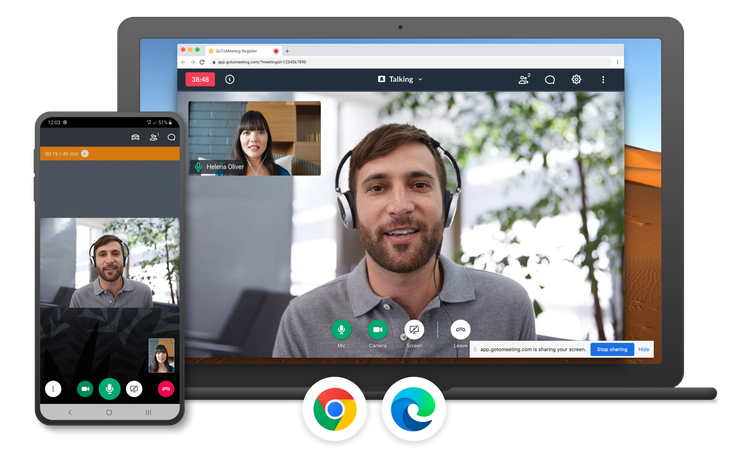
GoToMeeting is suitable for any business or individual that regularly hosts audio or video meetings, training sessions, presentations, and conference calls. It’s especially convenient for those who remotely manage staff, regularly work from home, or work with a global workforce.
Its pricing tiers are attractive for small to midsize organizations, and it includes many attractive features for the price you pay. They also offer an enterprise version, with custom prices and feature packages.
However, It doesn’t offer a free version, which might be off-putting to smaller businesses or sole proprietors looking for an inexpensive video conferencing solution.
GoToMeeting features
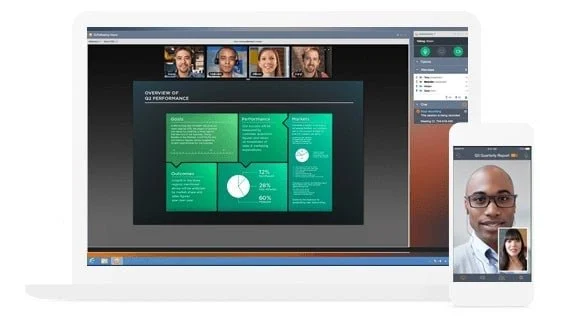
GoToMeeting includes a ton of useful and well thought out features that help small, medium, and enterprise level businesses connect with coworkers, customers, and prospects.
Audio and video conferencing
All GoToMeeting plans come with an unlimited number of audio conferencing calls, and offers the option of toll-free numbers for over 50 countries, eliminating long-distance fees for participants.
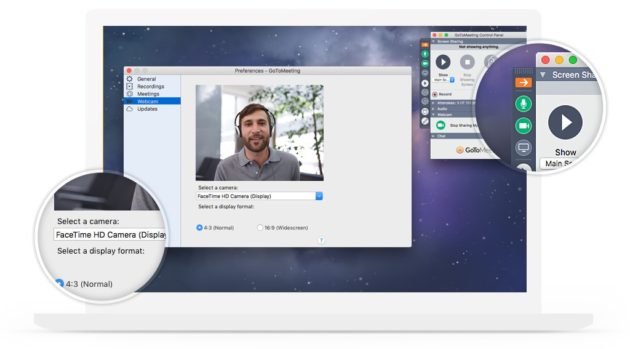
GoToMeeting also provides HD video conferencing, and supports up to 25 participant videos on screen, which is handy for project planning or all hands/town hall sessions. The clever thing about GoToMeeting’s video conferencing feature is that it adjusts to each participant’s available bandwidth.
With a Business or Enterprise plan, users can record and store an unlimited amount of meetings and automatically transcribe recorded meetings (English only).
You also get personal meeting rooms and dial-out functionality, which means that instead of sending out invite links, users can add up to five participants to a meeting by calling them through GoToMeeting.
Screen sharing
GoToMeeting’s screen share feature lets you present real-time documents, presentations, and more. Meeting participants don’t need to download the app to access the screen sharing capability because it functions within a Chrome web browser.
Participants can plan and collaborate easily. The feature even offers presenter switching, so that users can pass control, and multiple people can share their screens if necessary. Users can share their entire monitor or just an individual app, page, or document.
Meeting transcriptions
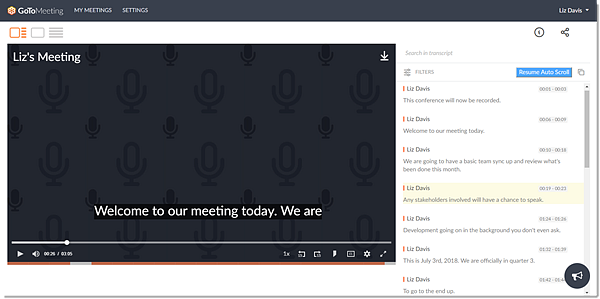
GoToMeeting automatically transcribes recorded meetings with its Smart Assistant. This provides on-screen text for individuals who watch the meeting once it’s over and allows them to search for keywords.
This is a great feature for those who only need to watch a part of the meeting (which you can identify by timestamp) and provides users with more accessibility.
Commuter mode
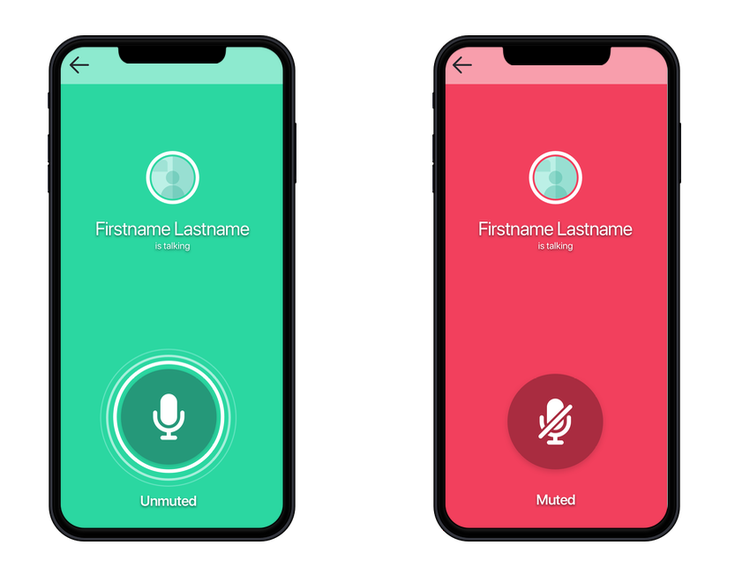
This feature helps users who attend conference calls while commuting. Enable commuter mode and adjust the app to streamline and simplify the interface — your screen will turn into a color-coded audio/mute button. Disable screen and video sharing, and you can save up to 90% on your mobile data consumption.
Drawings and annotations
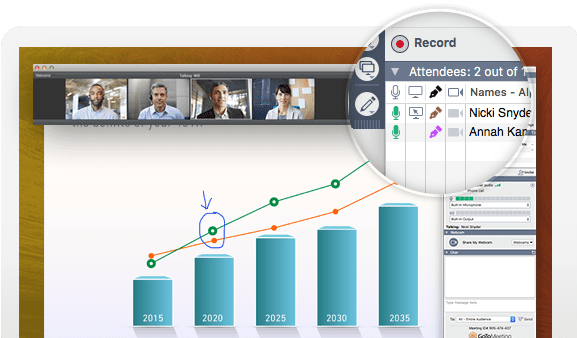
GoToMeeting offers drawing and annotation, but that’s not its strongest feature. Users can annotate in different colors, using a thin pen line.
Besides that, you can only use a laser pointer and highlighter, and instead of being able to erase a small area, you have to erase all annotations. GoToMeeting also makes it easy for participants to co-annotate.
GoToMeeting ease of use
GoToMeeting’s interface isn’t as clean and modern as other video conferencing solutions, but it is simple and straightforward to use. Hosting a GoToMeeting web-based conference is easy, and because it’s web-based, users don’t need to download any software — though there is a desktop and mobile app available.
Meetings are easy and fast to access with unique meeting links. Meetings open automatically in any web browser when you enter the meeting ID.
The software is available in several languages: English, Spanish, Chinese, French, Italian, and German. This multilingual aspect appeals to organizations who work with remote employees or contractors from other countries. Select a language, and the interface updates instantly.
GoToMeeting pricing
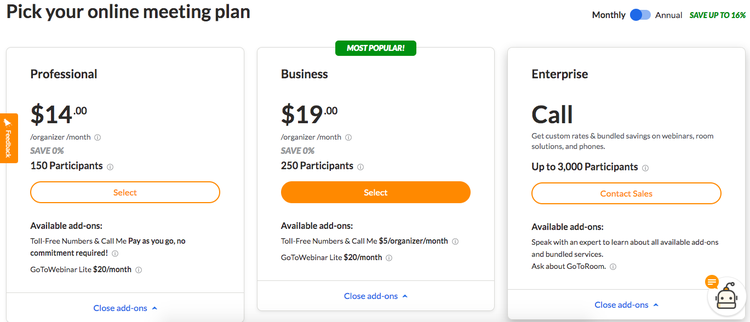
GoToMeeting offers three pricing tiers, but no free version. Plans and pricing are based on the number of meeting participants each tier supports.
Each plan offers a well-rounded feature set, which includes:
- HD video
- Screen sharing
- Web audio
- Phone dial in
- Unlimited number of meetings
- No meeting time limits
- Business messaging
- Personal meeting room
- Meeting room lock
GoToMeeting’s Professional plan costs $14/month per organizer, or $12/month per organizer billed annually. The plan supports up to 150 meeting participants. GoToMeeting’s Business plan costs $19/per month per organizer, or $16/month billed annually. The Business plan supports up to 250 meeting participants.
Enterprise GoToMeeting pricing plans are custom made for larger businesses, and organizations must call their sales team for a quote. GoToMeeting supports a maximum of 3,000 meeting participants with any enterprise plan.
GoToMeeting support
GoToMeeting offers phone support, but it’s difficult to find on the customer support page. You have to first type in a question or query in a search box, which brings up a variety of potential solutions, links, and videos.
At the bottom of this information, you’ll find two links: Ask our community, which takes you to GoToMeeting’s user forums, and Call support.
Click Call support, and you’re prompted to enter your email address so support representatives can have your information on hand before answering your call. You have the option to skip this step, which will bring up two support numbers for your region — a toll free and a long distance option.
That’s a lot of hoops to jump through to access phone support, which is a frustrating user experience. However, phone support is accessible 24/7, with local numbers for all countries the solution operates in. There’s also an in-depth knowledge base, FAQ, user forum, and other step-by-step guides.
Benefits of GoToMeeting
GoToMeeting is easy to use and offers a commendable user experience on top of an impressive laundry list of features. Prices are reasonable, and each plan’s standard list of features is well thought out and generous.
Its multi-national toll-free numbers are a pull for users working with a global workforce, and each meeting requires a meeting ID upon entry, making it a safe and secure solution for businesses. If you want to attract top talent, you need high caliber tools like this to support them.
A solid video conferencing tool with lots to offer users
GoToMeeting is a simple and effective solution if you need an audio or video conferencing tool that offers more than the bare minimum. While its features are not as granular as some of its competitors, it packs a serious punch with unique features such as its commuter mode.
Even better, the solution offers affordable plans for small, medium, and enterprise organizations. Its unlimited number of meetings with no meeting time limits is a huge plus.
FAQs
Is there a free version of GoToMeeting?
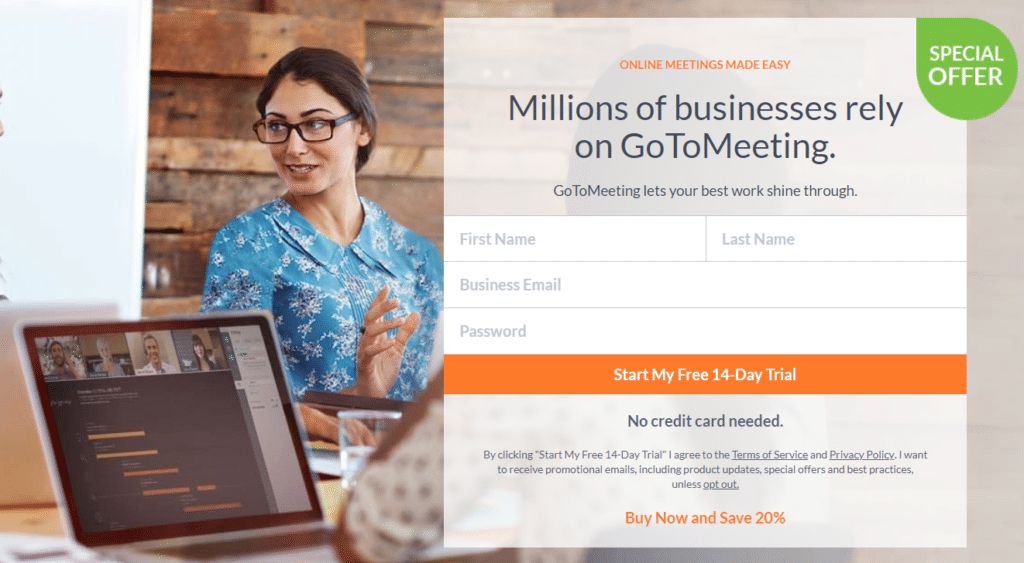
GoToMeeting offers no free plan, but it offers a 14-day free trial.
What other apps integrate with GoToMeeting?
It integrates with Salesforce, Microsoft Outlook, Google Calendar, HipChat, and Slack.
How much does GoToMeeting cost?
GoToMeeting’s Professional plan costs $14/month per organizer, or $12 billed annually.
GoToMeeting’s Business plan costs $19/month per organizer, or $16/month per organizer billed annually.
Enterprise GoToMeeting pricing plans are custom made for larger businesses, and you need to call their sales team for a quote.
